TravelBook
Kora
Your assistant, day and night.
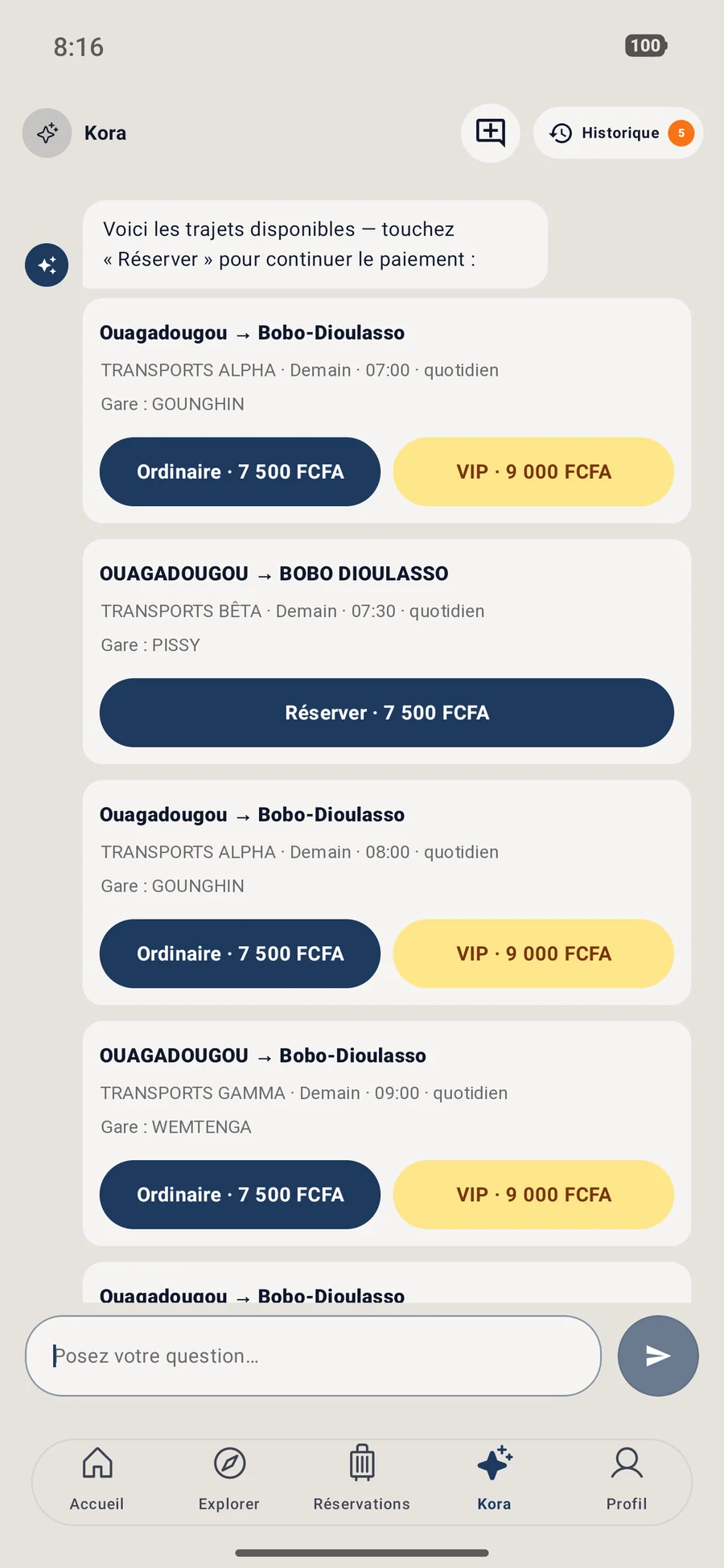
Ask “Ouaga to Bobo tomorrow morning”: Kora shows departures you can book. It explains payment, opens the station map and estimates road time.
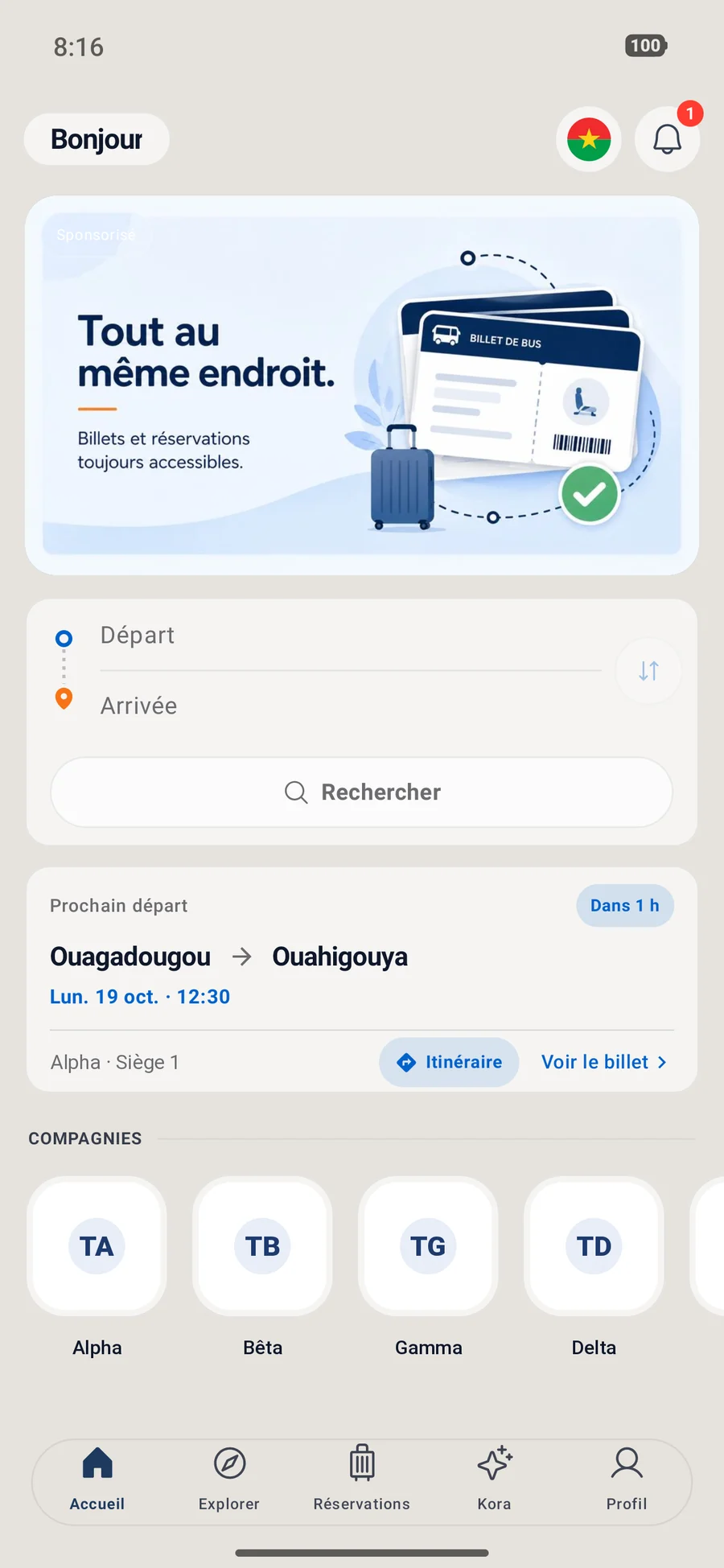
Find your departure, book your seat, pay with mobile money and board with a QR ticket. No queue at the counter.
Free · version 1.0.11 · Android 7 or later · 49.5 MB. iOS and HarmonyOS are coming.
Pay with
The app
Kora
Ask “Ouaga to Bobo tomorrow morning”: Kora shows departures you can book. It explains payment, opens the station map and estimates road time.
QR ticket
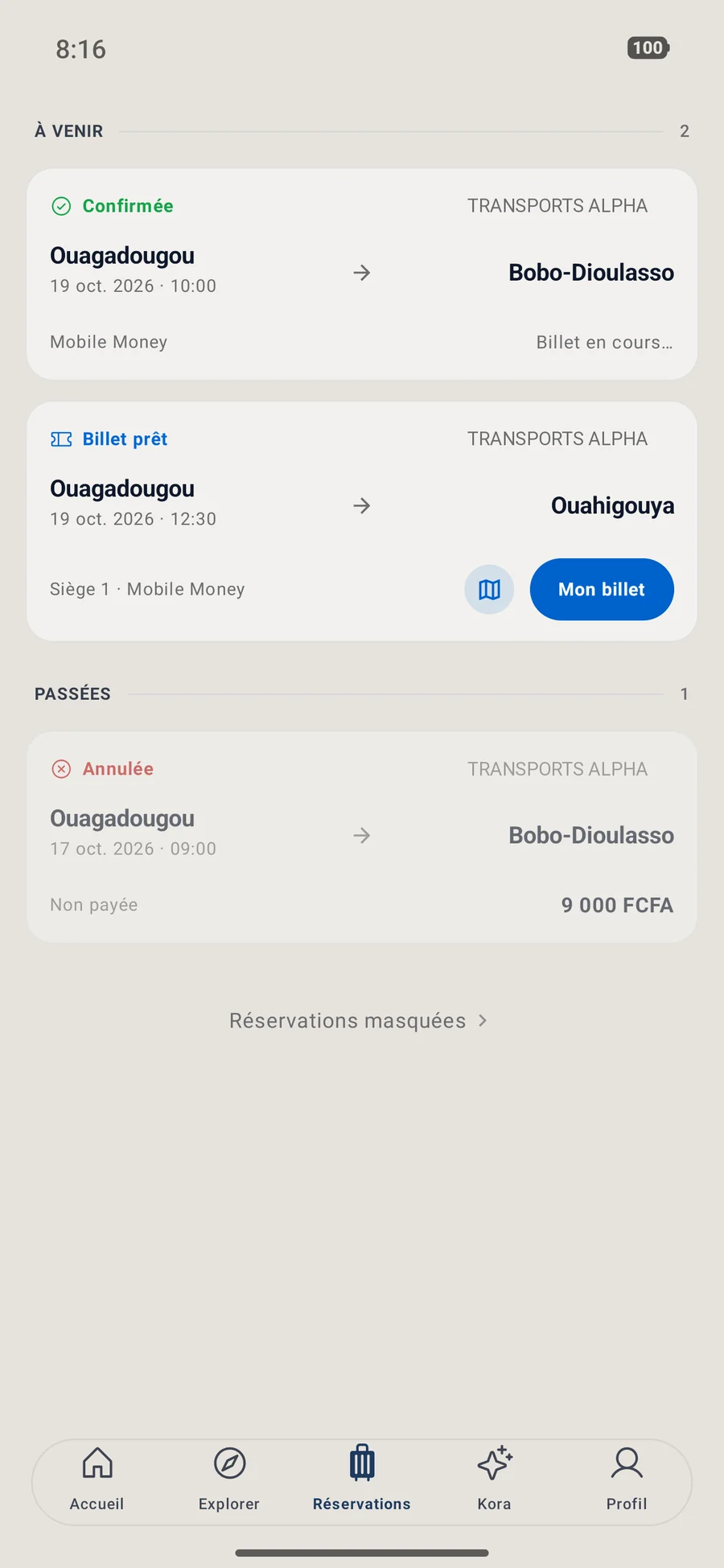
Works offline, saves as PDF, encrypted to be validated only once.
0
Pay with the mobile money you already use.
Search
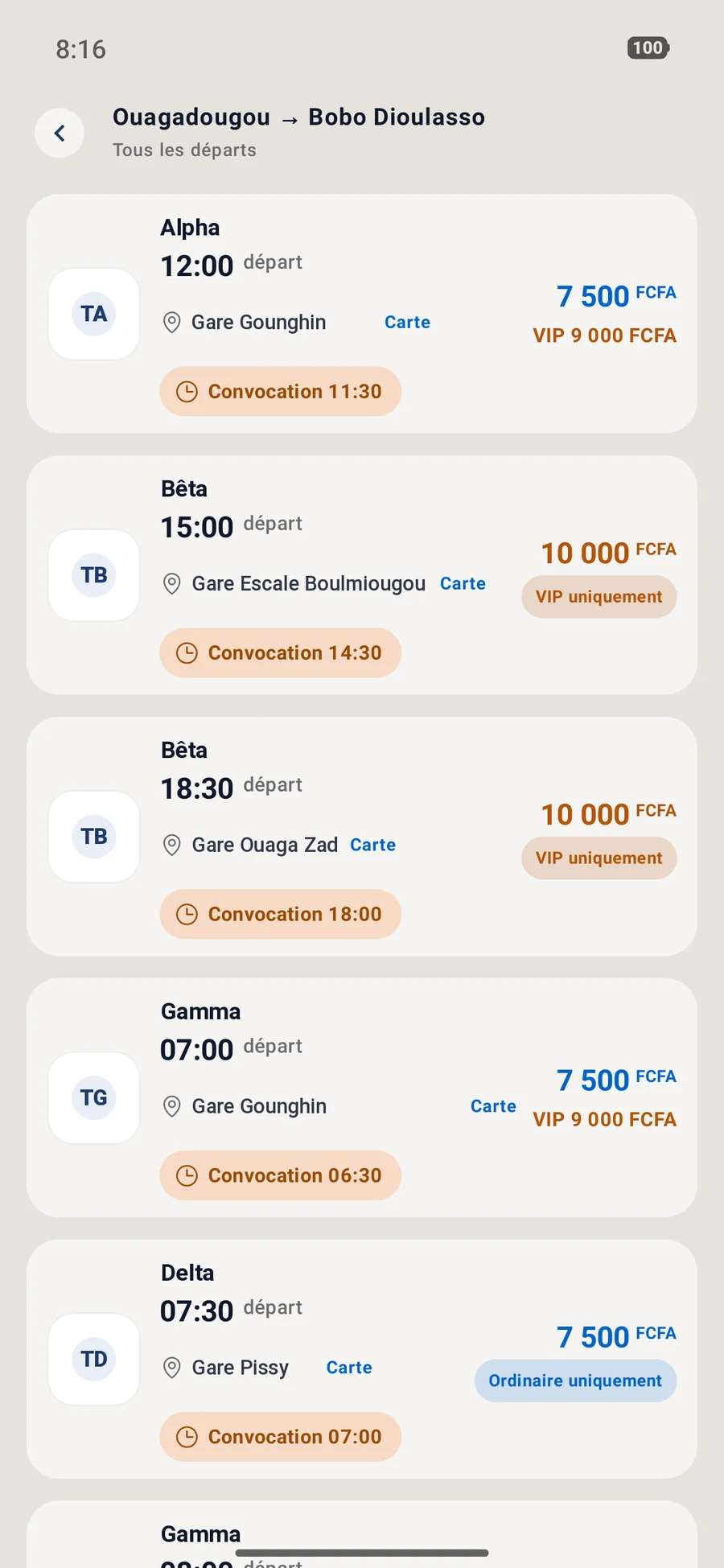
Compare companies’ times and fares without visiting every station.
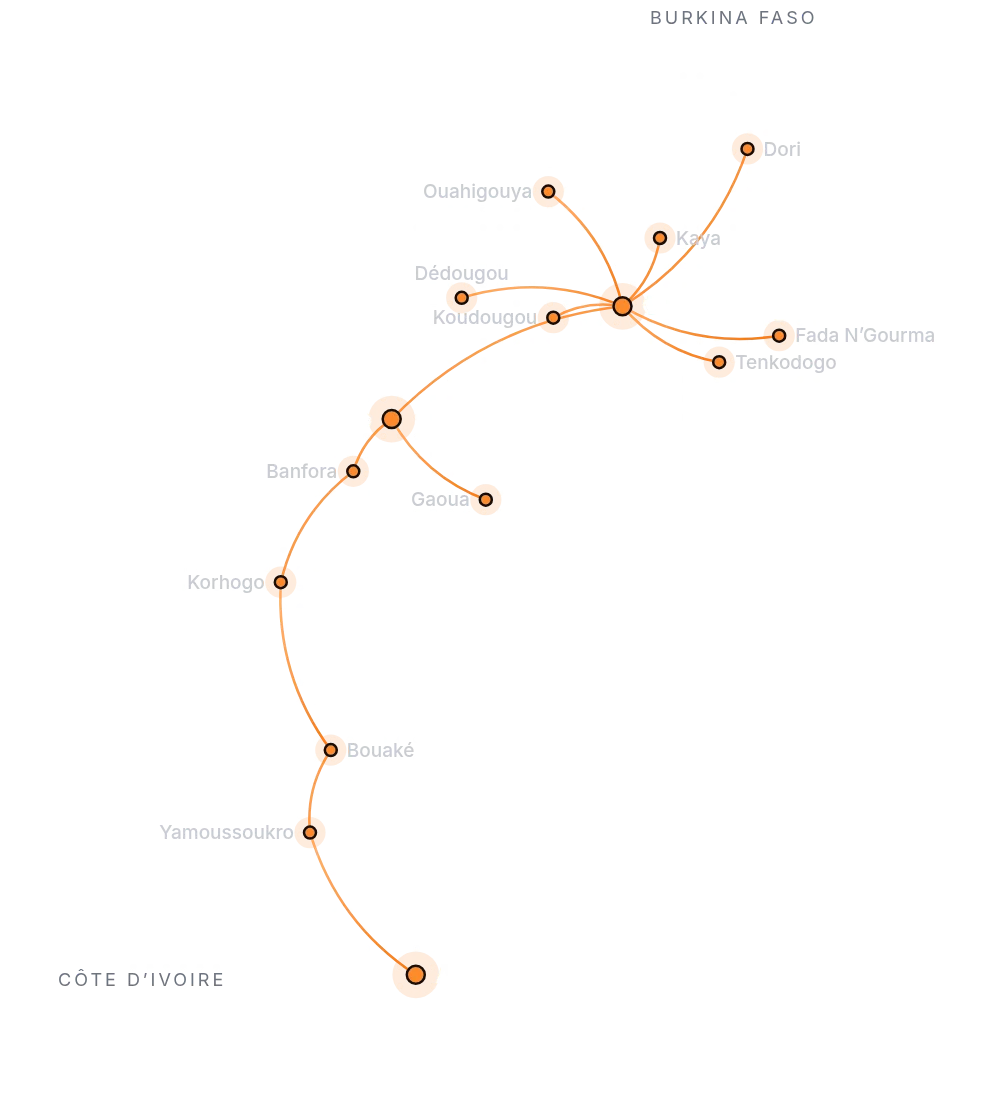
Nearest first, with directions.
In development: soon, describe your flight and an agent calls back with an offer.
Lock the app with a code, fingerprint or face.
Book and pay without an account.
No queue.
No bank card.
Just your phone.
Booking
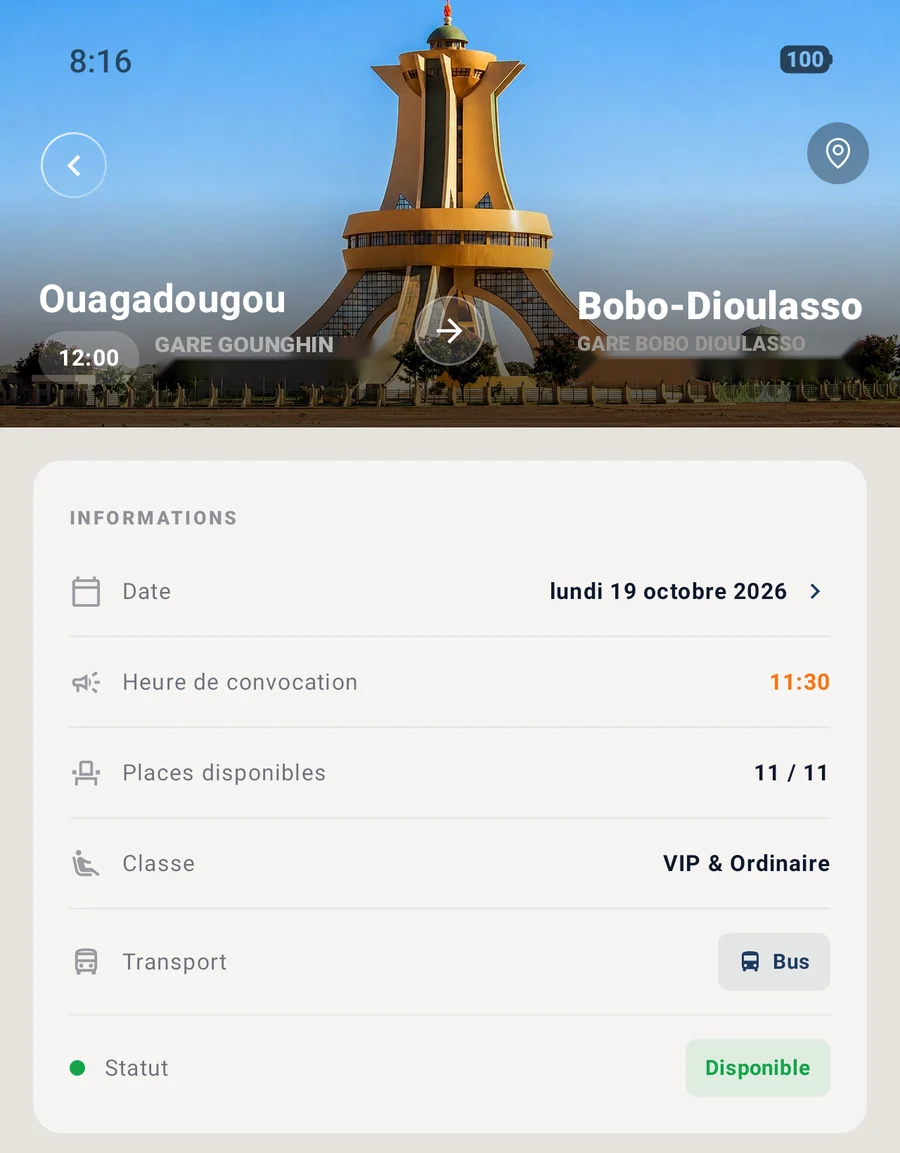
Departure city, arrival city and date: departures appear with times and fares.
Standard or VIP, child ticket if offered. The company confirms your booking.
Pick your operator, receive a code and confirm. The total is shown before you pay.
The company assigns your seat. Show your ticket’s QR at the station, even offline.
For companies
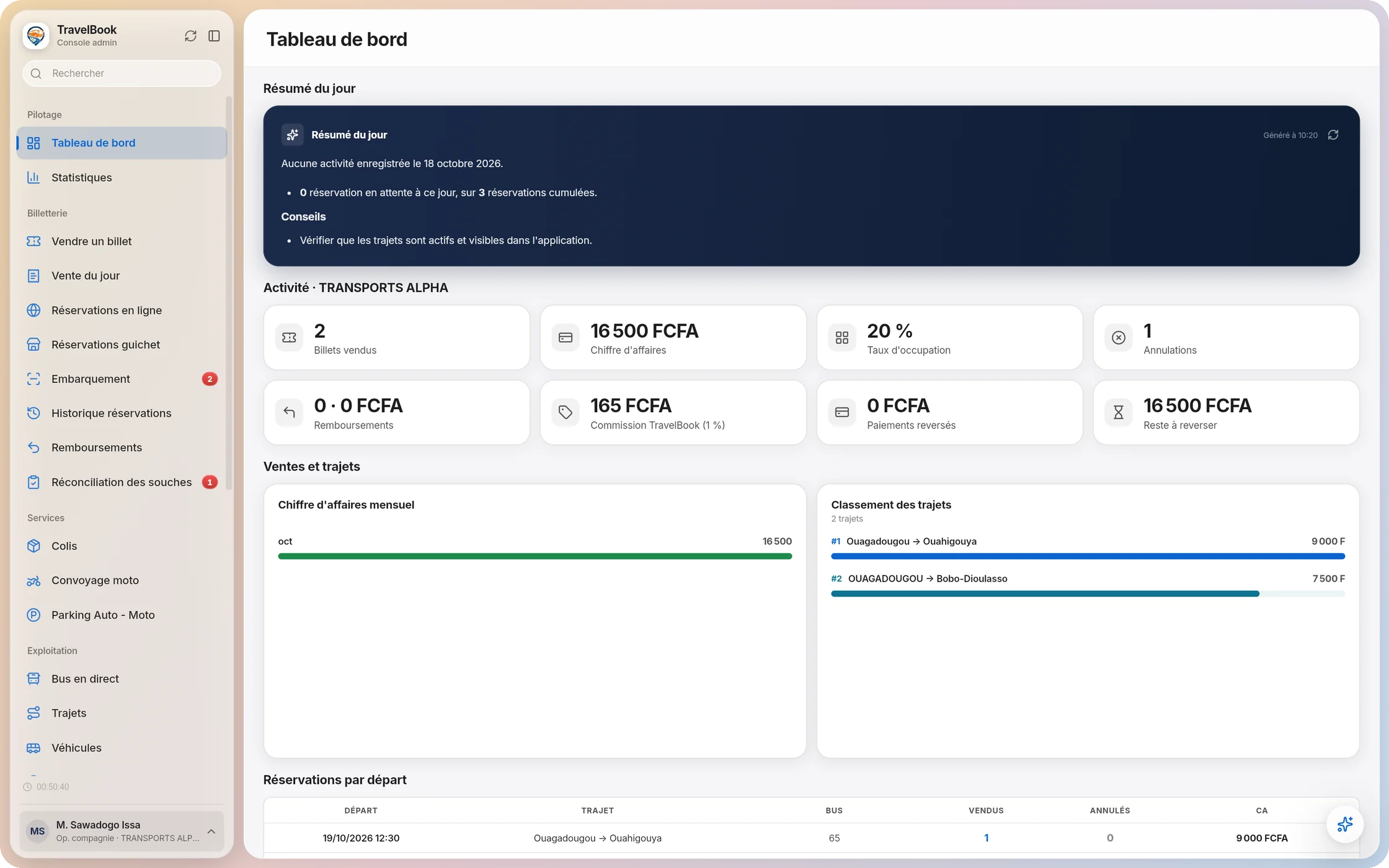
TravelBook sells your tickets online and equips your stations, without changing how you work.
Trust
Every payment is re-checked by our servers with the operator before the ticket is issued.
Encrypted QR, readable only by the companies’ checking app, validated once.
ID read on your phone, data masked before the assistant, account deletable.
In the app, search for your trip, choose the class and book. Once the company confirms, pay with mobile money: your QR ticket appears in the app.
No. You can book, pay and find your tickets as a guest. A free account adds unlimited chats with Kora and your history.
No. The company assigns your seat when it issues the ticket.
Orange Money, Moov Money, Sank Money, Coris Money and Wave. No bank card needed.
Yes. Once issued, your QR ticket stays on your phone without network, and you can save it as a PDF.
No. TravelBook is a platform: each company sets its routes, times and fares and operates the trip.
Download the file signed by TravelBook, then allow installation from your browser when Android asks. Android 7 or later is required.
Free, signed by TravelBook. Android 7 or later. Google Play, App Store and AppGallery are coming.
Version 1.0.11, 49.5 MB. SHA-256 fingerprint of the file, to check it has not been altered: 3f55cd93b80649cc228ea8519a8152e34a6123d844ee06169f97ebb416007e96

Scan with your phone to download.